
SSD and HDD
What Is the Difference Between an SSD and an HDD?
An HDD (Hard Disk Drive) stores data on spinning magnetic platters. It is slower but offers a lot of storage for a low price, which makes it ideal for bulk storage and backups. An SSD (Solid State Drive) has no moving parts — it stores data on flash memory chips, which means it reads and writes data several times faster than any HDD.
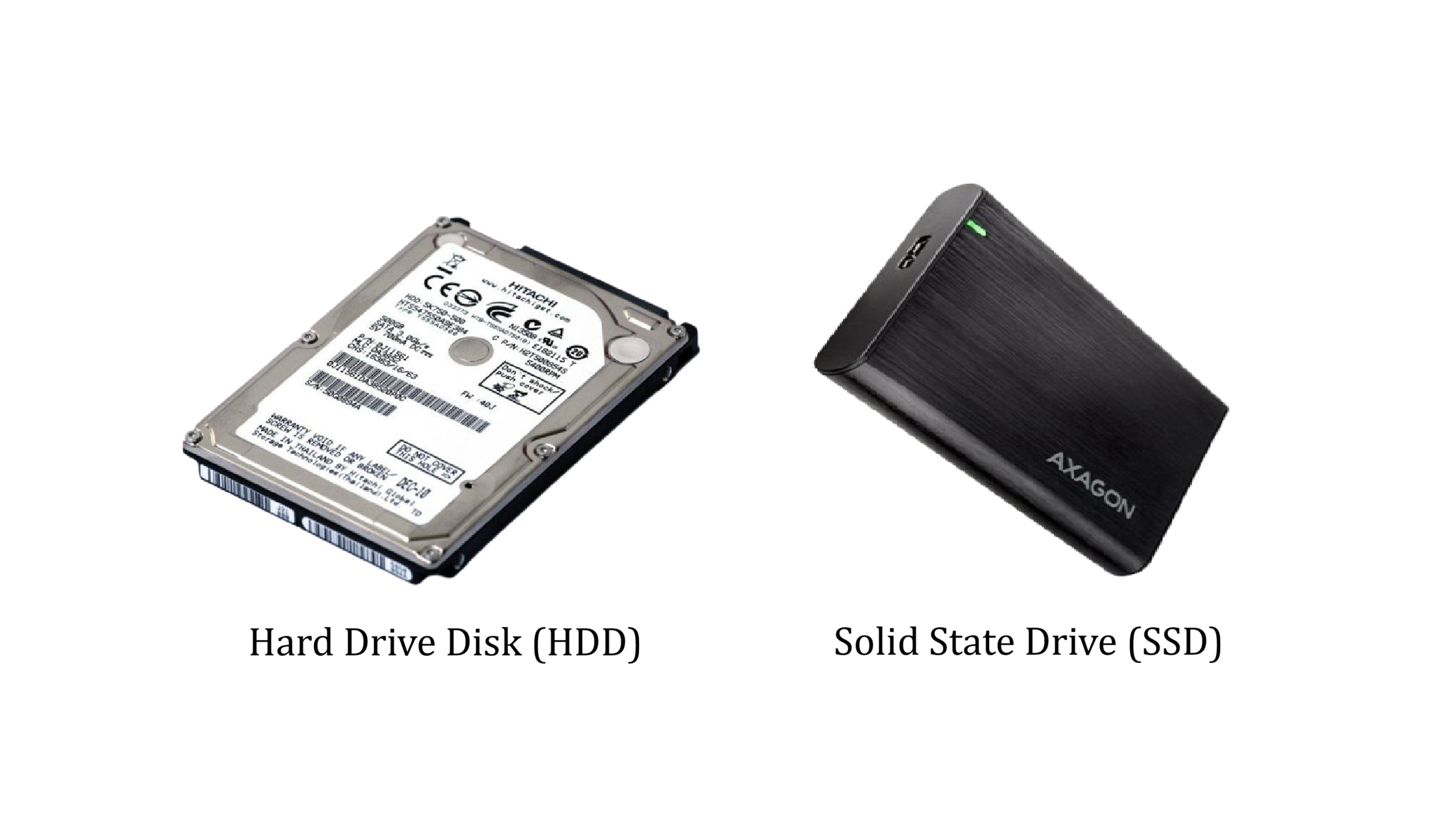
In practical terms: if you install Windows on an SSD, your computer will boot in around ten seconds. On an HDD, that same boot can take a minute or more. Applications open faster, files copy faster, and the whole system feels more responsive.
The best approach for most users is to combine both: use an SSD as your system drive (where Windows and your applications live) and an HDD as a secondary drive for photos, videos, and backups. You get speed where it matters and cheap capacity where you just need space.